
T2T Native
Plain English, compiled into deterministic steps.
Write the flow in plain text. Text2Test compiles it into steps that run the same way on every run, no selectors and no scripting.
Learn more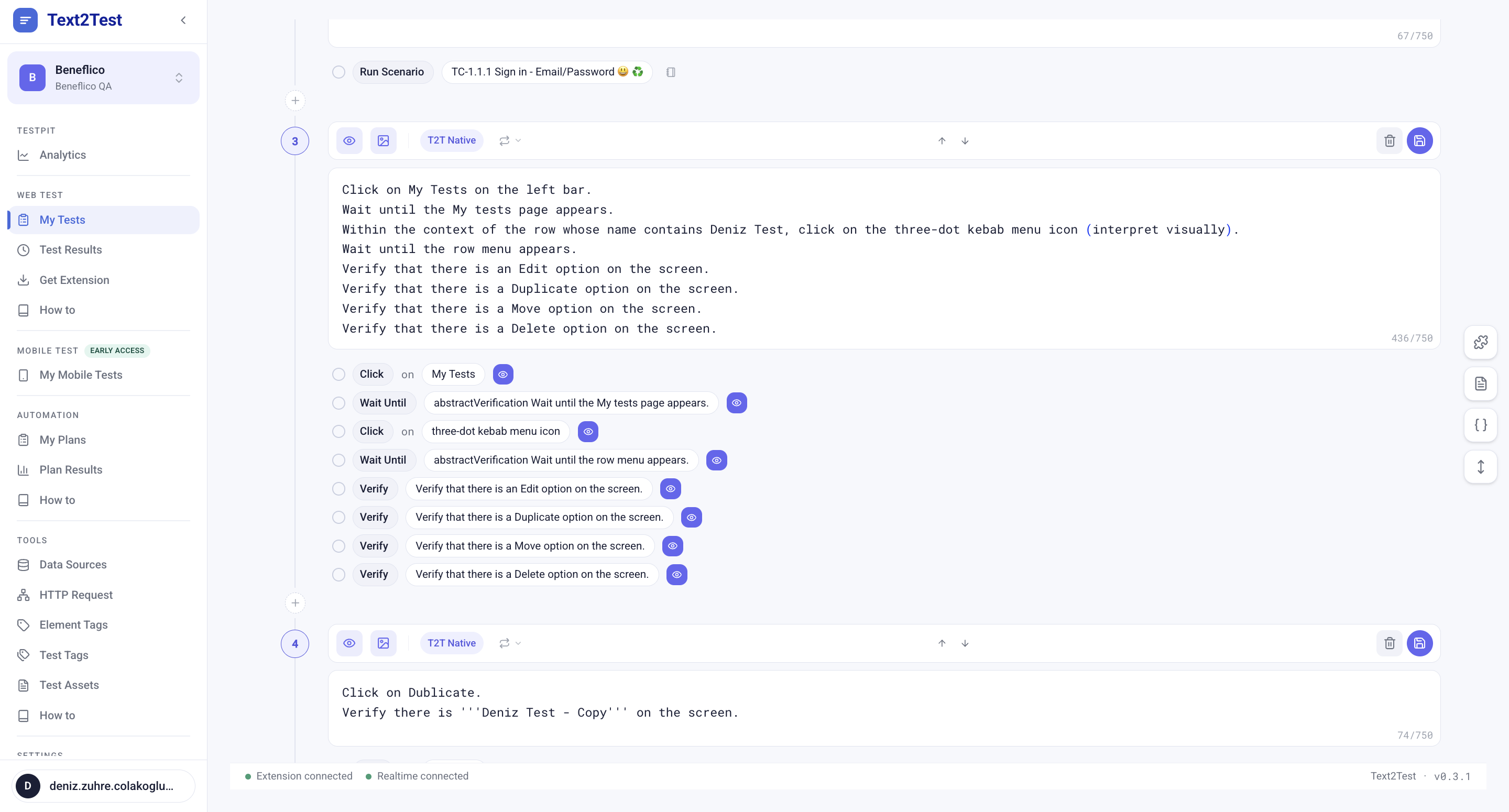
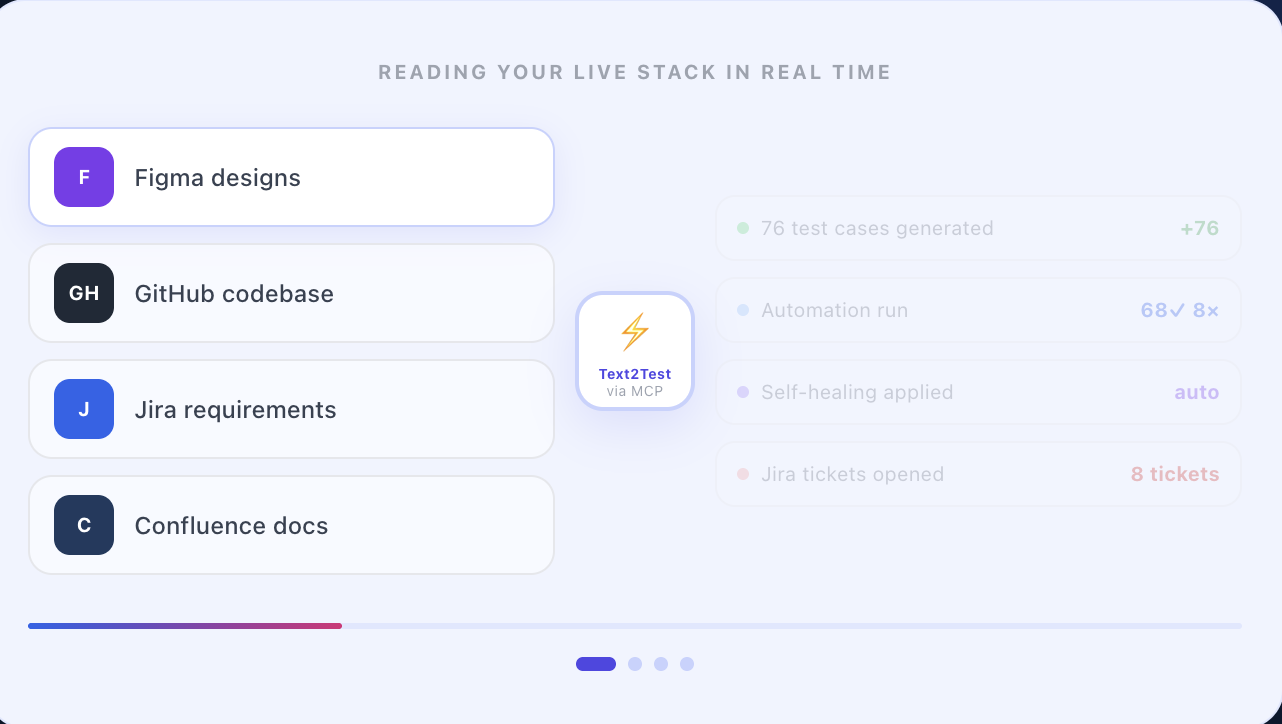
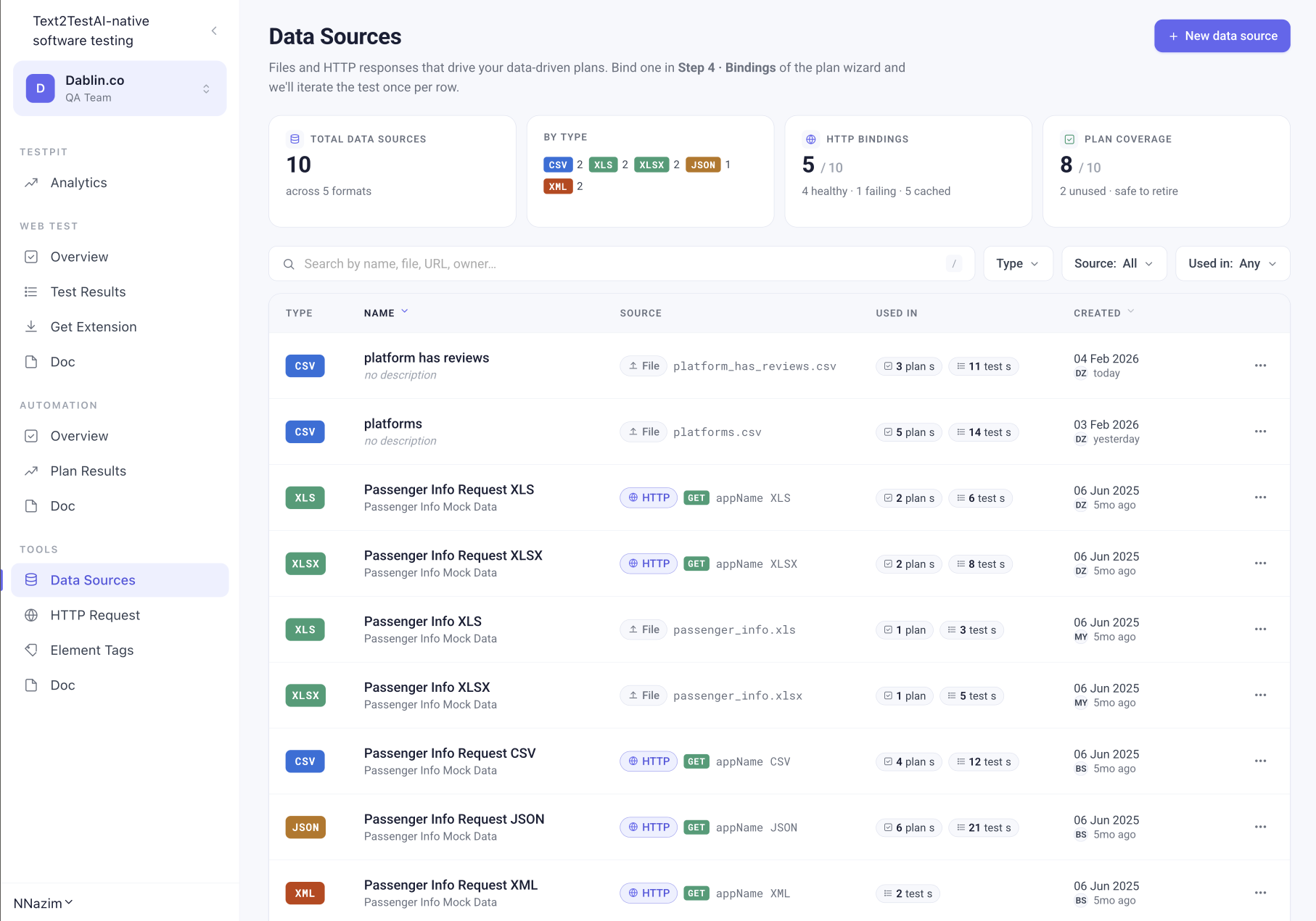
Connect the tools you already use, Jira, Confluence, Figma, GitHub, Excel and more, and Text2Test turns them into real test cases in minutes.


Trusted by banks, insurance, airlines, and logistics teams. Built for anyone who cares QA. Quality without the manual overhead.



Text2Test's MCP servers were the most valuable part for us. Our code-aware AI reads our manual test cases and talks to Text2Test's AI to turn them into robust, repeatable tests with a screen recording of every step. Doing that with a one-person QA team, and re-running it all continuously, is genuinely remarkable.

Describe what your product should do. Text2Test writes it, runs it, and keeps it green.
Connect your sources through Text2Test MCP. Generate structured tests. Run the plan. Drill into failures.
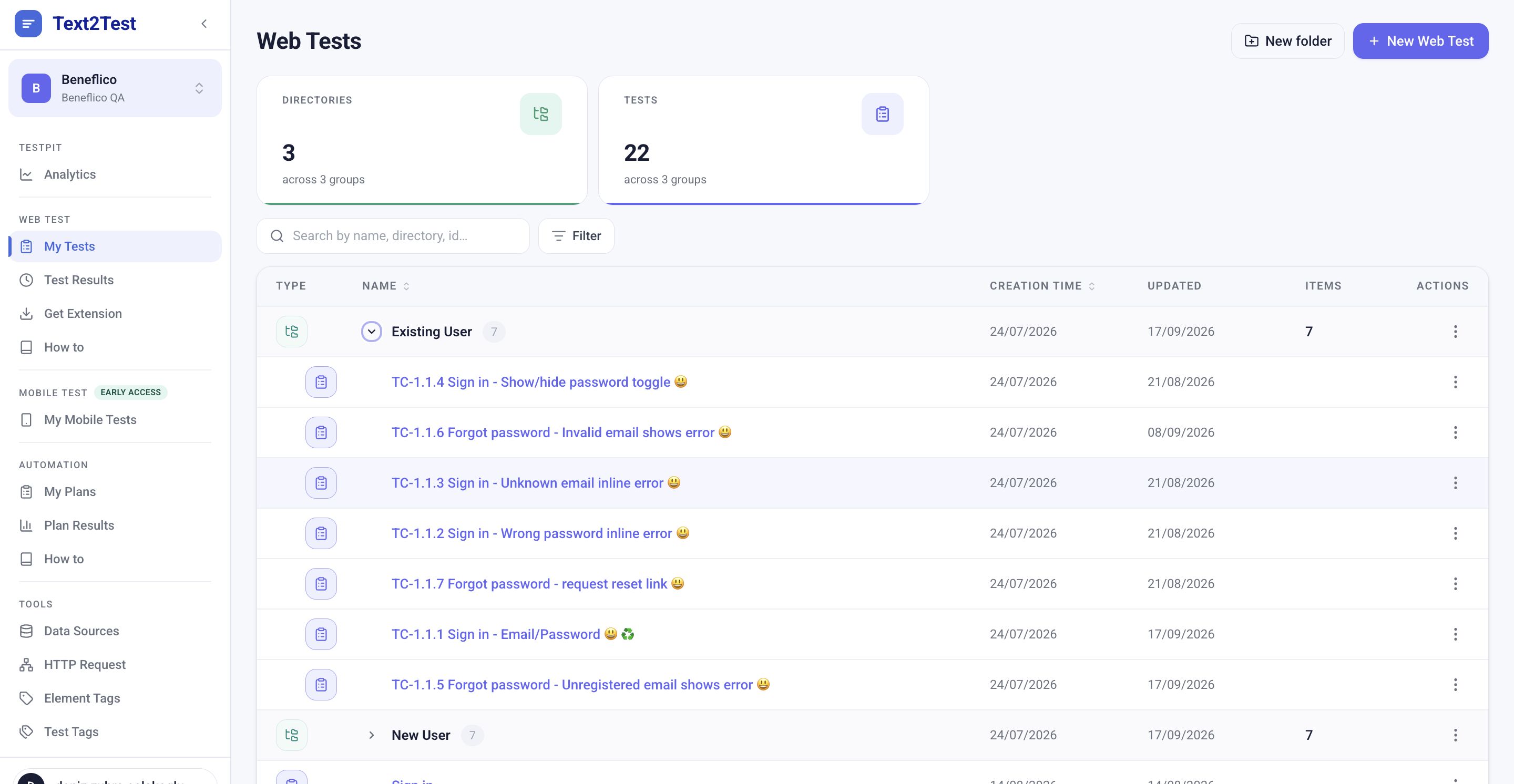
Most testing tools force you to pick one approach. Text2Test lets you combine all five inside a single test case, so even your most complex flows fit in one place.
Write the flow in plain text. Text2Test compiles it into steps that run the same way on every run, no selectors and no scripting.
Learn moreAn LLM reads the screen, reasons about each step, and adapts as the UI changes. Ideal for branching and exploratory flows.
Learn more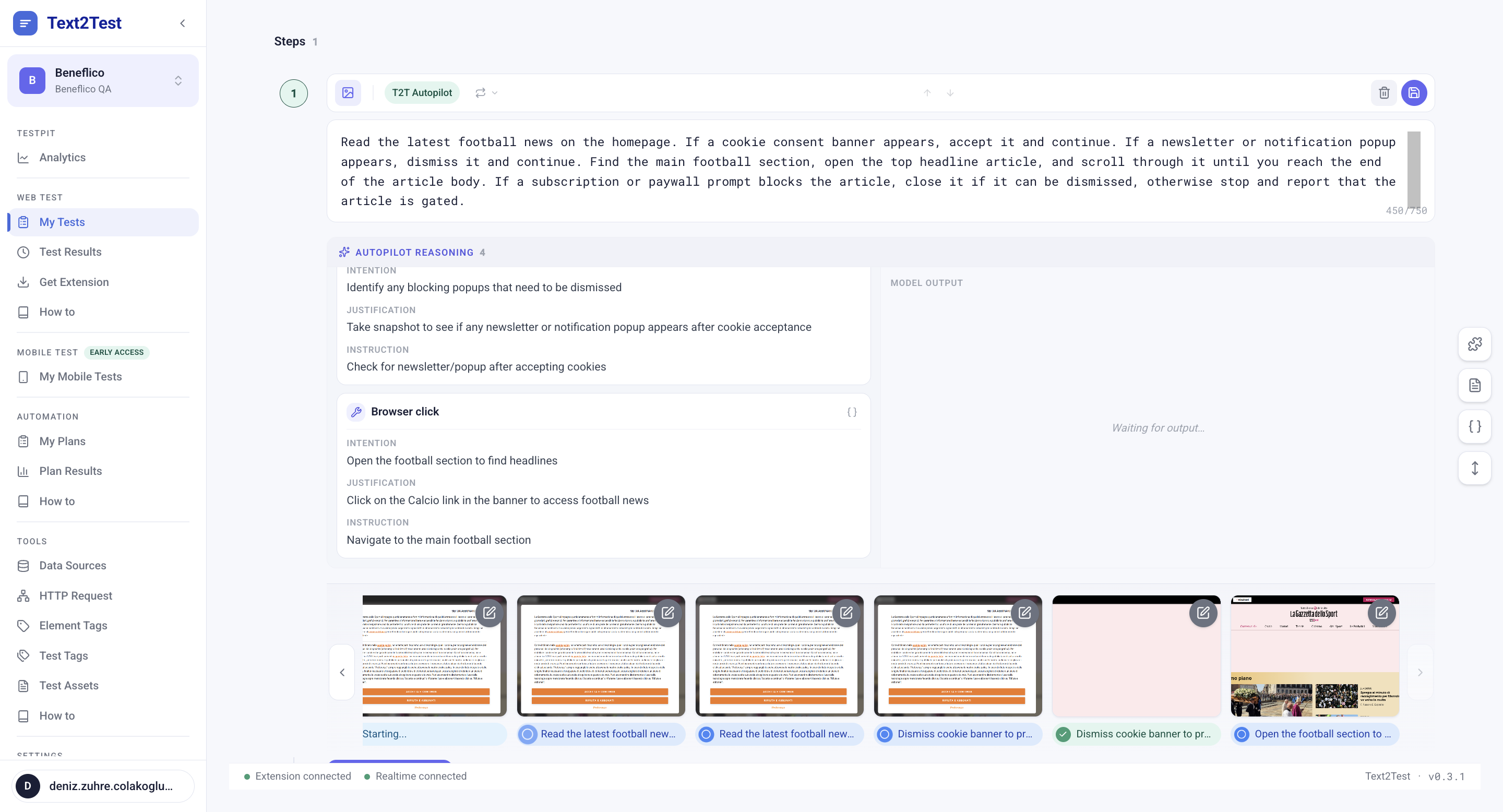
Upload a reference screenshot and describe what should match in plain text. Pixel-perfect checks catch layout drift automatically.
Learn more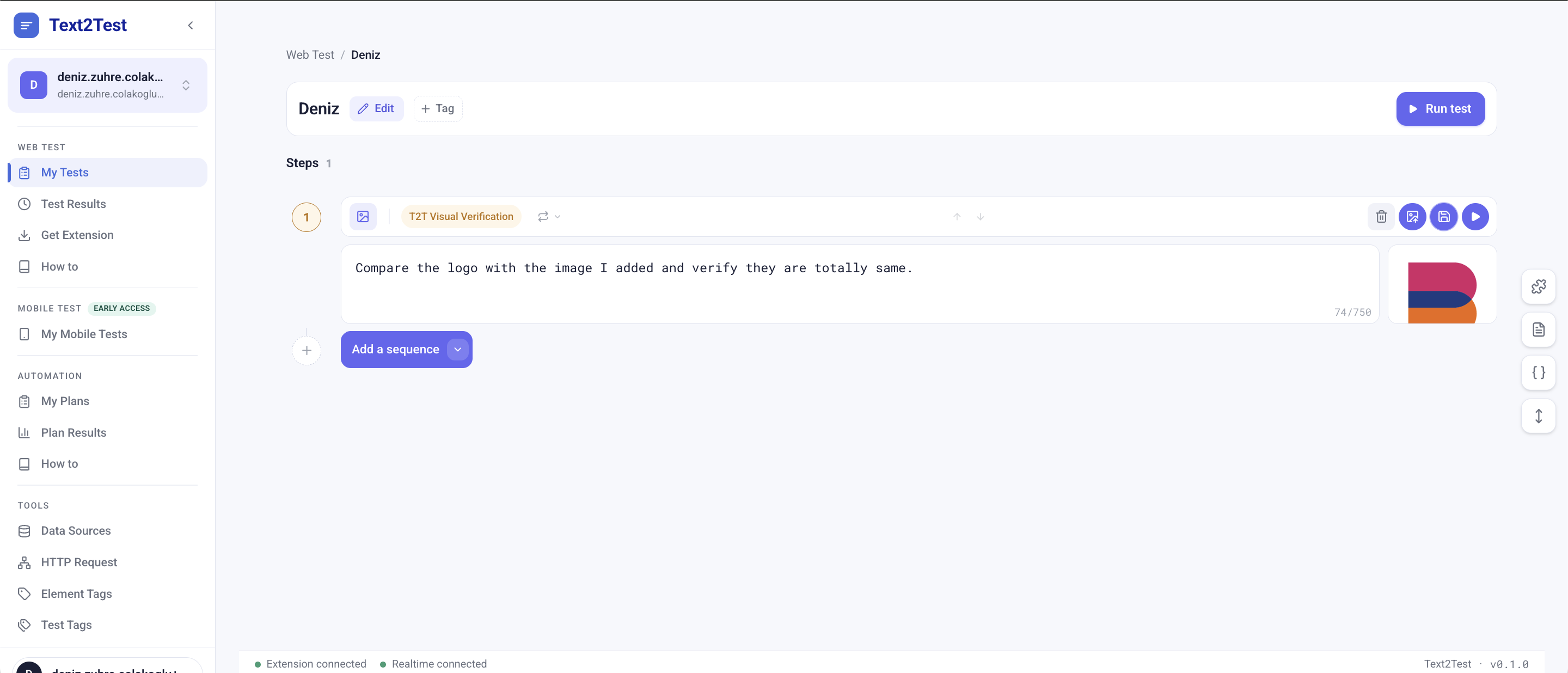
Add HTTP request steps inline with your UI steps. Assert on status and response, and save calls as reusable workspace assets.
Learn more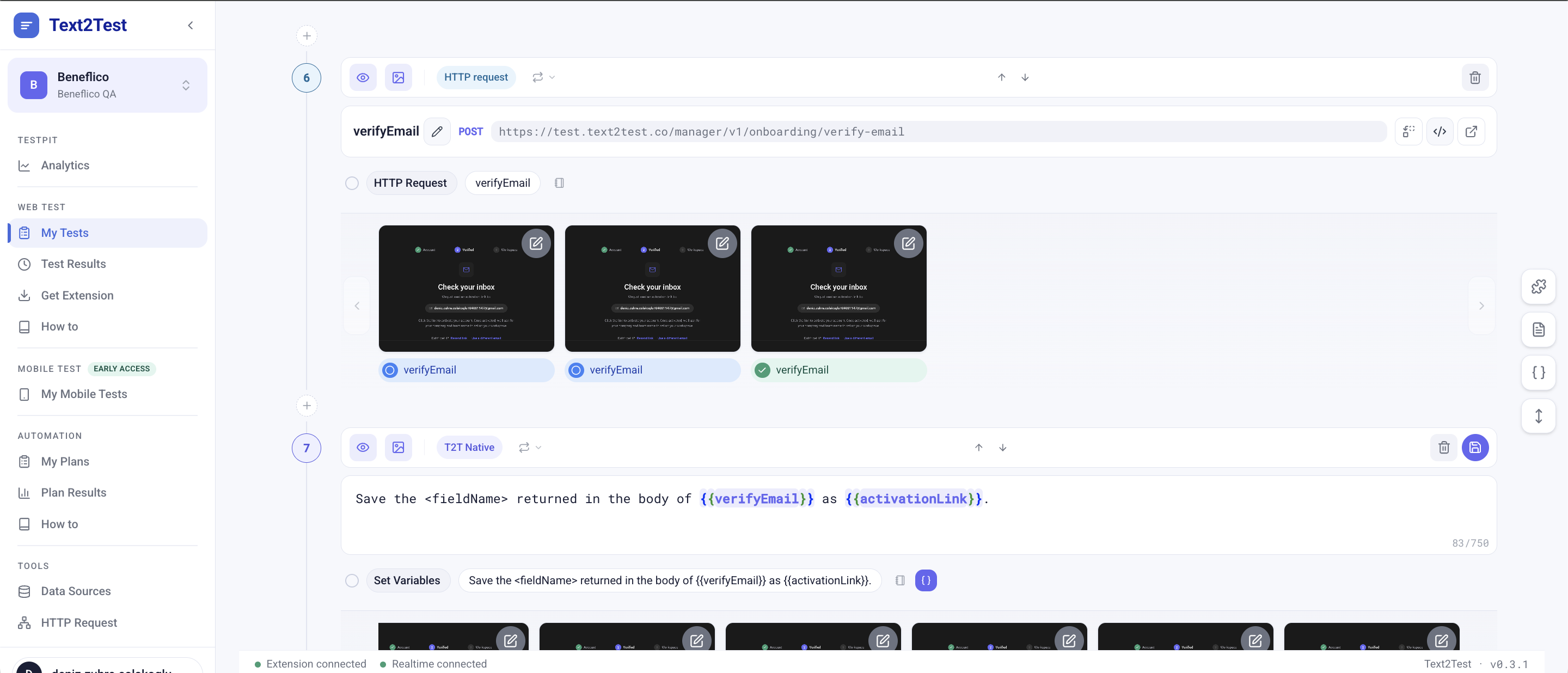
Group tests into plans. Group plans into directories. Schedule, browser matrix, recipients per plan.
GitHub Actions, GitLab CI, CircleCI, Jenkins, Bitbucket Pipelines. JUnit XML out of the box.
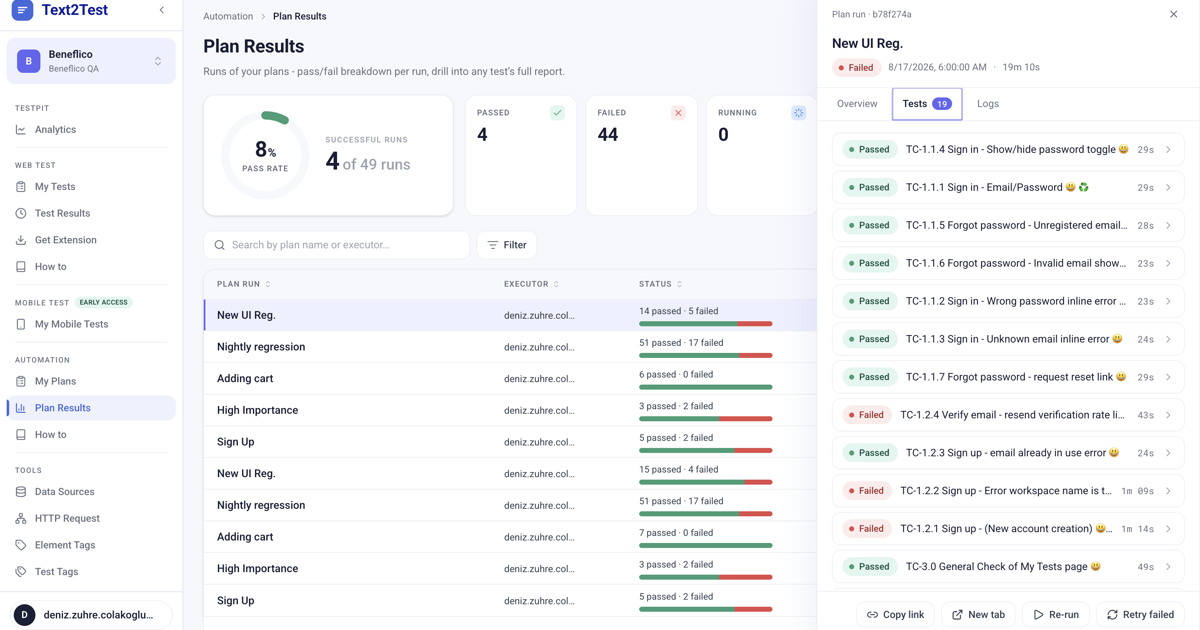
Pass rate trends, per-test error snippets, re-run failed only. Open a Jira ticket from the failed step.
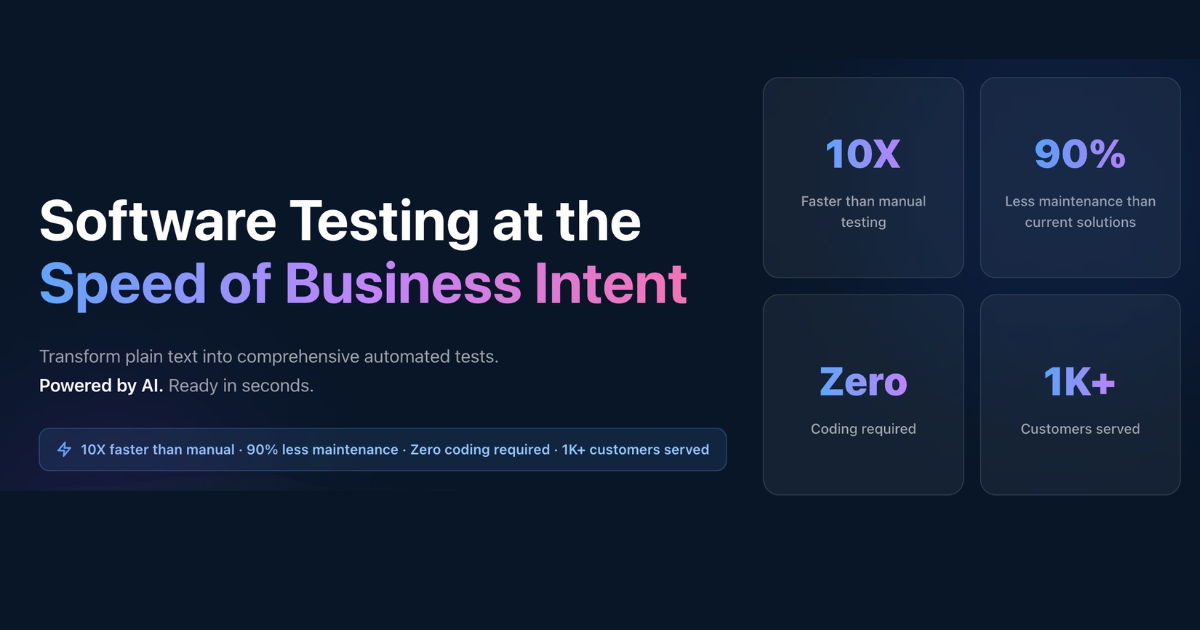
Write the test in plain language and it compiles into a running test. No code, no selectors. Testing stops being a technical task, so anyone on the team can read and write it: PM, business analyst, QA, developer, marketer.
An AI-native test automation platform. You describe what your product should do in plain English, in Jira tickets, in Figma designs, or in OpenAPI specs. Text2Test generates structured test cases, runs them on every push, and tells you exactly what broke when something fails.
No. T2T Native compiles plain English into deterministic steps. The four other sequence types (Autopilot, Visual Verification, HTTP Request, Script Injection) require no code either, except Script Injection if you choose to paste your own Playwright scripts.
Through MCP. Figma, Jira, GitHub, OpenAPI, and Claude Design are supported sources. Text2Test reads them as truth sources, so when a spec or design changes, the affected tests are flagged.
T2T Native reads the screen semantically, not by selectors, so most UI changes do not break tests. Autopilot adapts in real time. For Script Injection, scripts behave as written.
Yes. Text2Test is a standalone platform. Plans run on a browser matrix you choose, results drill down to the failing step, and integrations cover CI/CD, Jira, and Slack.
Five minutes from sign-up to your first running test. Onboarding for paid plans takes 24 hours.
Plan Results captures every run. Pass rate trends across 30/90/365 days, per-test duration, error snippets inline, re-run failed only.
Either you write them in plain text, or Text2Test generates them from your connected sources (Figma, Jira, GitHub, OpenAPI). Both paths produce the same structured output: prioritised, categorised, ready to run.

The round was led by ARYA Women Investment Platform, with Yapay Zeka Fabrikası and angel investors Özlem Eke Tümer, Sanem Tatlıdil and Selin Çelikel joining.
Read the story